Java application servers and OpenLDAP
This page shows, server by server, how to have PKIFactor deploy and renew the TLS certificate of WildFly / JBoss EAP (JKS keystore), Apache Tomcat (PKCS#12 keystore) and OpenLDAP (LDAPS). All three use the Linux server (SSH) target: PKIFactor connects over SSH with a restricted account, writes the keystore or the files, restarts the service and checks the certificate it serves. Read How deployment works and the SSH page first; this page only adds what is specific to each server.
Tested
Tested on 29 October 2026 with PKIFactor 1.8.50 on Debian 12: WildFly 34.0.1 with a JKS keystore on port 8443 and Apache Tomcat 10.1.48 with a PKCS#12 keystore on port 9443 (first deployment, restart, renewal of the certificate, verification by PKIFactor), and OpenLDAP on port 636 (certificate deployed and verified, binding set to keep the same key at renewal). The certificates came from an internal Microsoft AD CS authority.
What the three cases have in common
| WildFly / JBoss EAP | Apache Tomcat | OpenLDAP | |
|---|---|---|---|
| Preset | WildFly / JBoss EAP (keystore) | Apache Tomcat (keystore) | OpenLDAP (slapd) |
| What PKIFactor writes | One JKS keystore: key, certificate and chain | One PKCS#12 keystore: key, certificate and chain | Three PEM files: certificate, key, chain |
| Default path | /opt/wildfly/standalone/configuration/<site>.jks |
/opt/tomcat/conf/<site>.p12 |
/etc/ldap/certs/<site>.crt, /etc/ldap/private/<site>.key, /etc/ldap/certs/<site>.chain.pem |
| Owner, group, mode | root, wildfly, 0640 |
root, tomcat, 0640 |
openldap, openldap; key 0600, certificate 0644 |
| Applied by | systemctl restart wildfly |
systemctl restart tomcat |
systemctl restart slapd |
| Checked on | port 8443 | port 8443 | port 636 |
Every value can be changed on the site row, for example the port when Tomcat listens on 9443. The paths, the service names and the ports above are those of the presets; adapt them to your installation.
Keystores need the command-list mode, not the helper script
The sudo helper script, the narrowest option of the SSH page, does not handle keystores. For WildFly and Tomcat, choose Write files and reload through sudo -n and install the sudoers lines that PKIFactor generates for the target (button Sudo helper script on the target page, which shows the lines for the chosen mode). They allow install, cp, mv, rm, test, cat, true and the restart command of the site, nothing else. OpenLDAP (PEM files) works with both modes.
The keystore alias is the site name
In the keystore that PKIFactor writes, the key entry is named after the site (for example app), and the keystore password also protects the key. Point the server's key manager at that alias, or at no alias at all. A server configured for another alias accepts connections and then fails the TLS handshake (handshake failure), because it finds no key to present.
Prepare the server
Service account
On the server, create the account that PKIFactor uses, with its SSH public key only:
sudo useradd -m -s /bin/bash pkifactor
sudo install -d -m 700 -o pkifactor -g pkifactor /home/pkifactor/.ssh
sudo install -m 600 -o pkifactor -g pkifactor pkifactor.pub /home/pkifactor/.ssh/authorized_keys
For a JKS keystore, the host also needs keytool (any Java runtime): PKIFactor builds a PKCS#12 file, then converts it on the host with keytool -importkeystore, as the service account, before installing it with sudo.
WildFly / JBoss EAP
WildFly reads its TLS key through Elytron objects. Create the keystore once (PKIFactor replaces it at each deployment), then reference it, for example with jboss-cli.sh on a stopped server:
embed-server --server-config=standalone.xml
/subsystem=elytron/key-store=appKS:add(path=app.jks, relative-to=jboss.server.config.dir, type=JKS, credential-reference={clear-text="<keystore password>"})
/subsystem=elytron/key-manager=appKM:add(key-store=appKS, alias-filter=app, credential-reference={clear-text="<keystore password>"})
/subsystem=elytron/server-ssl-context=appSSC:add(key-manager=appKM, protocols=["TLSv1.3","TLSv1.2"])
/subsystem=undertow/server=default-server/https-listener=https:write-attribute(name=ssl-context, value=appSSC)
stop-embedded-server
alias-filter is the site name you will declare in PKIFactor (app here). The keystore must stay readable by the wildfly group (0640), which the preset keeps. WildFly runs as a systemd service named wildfly.
Apache Tomcat
Declare a TLS connector on the keystore in conf/server.xml (outside the commented examples of the file):
<Connector port="8443" protocol="org.apache.coyote.http11.Http11NioProtocol" SSLEnabled="true">
  <SSLHostConfig>
    <Certificate certificateKeystoreFile="conf/app.p12"
                 certificateKeystorePassword="<keystore password>"
                 certificateKeystoreType="PKCS12"/>
  </SSLHostConfig>
</Connector>
Tomcat takes the only key entry of the keystore, so no alias is needed. Tomcat runs as a systemd service named tomcat, and the keystore must stay readable by the tomcat group.
OpenLDAP
slapd reads three PEM files, declared in its configuration (cn=config):
olcTLSCertificateFile: /etc/ldap/certs/app.crt
olcTLSCertificateKeyFile: /etc/ldap/private/app.key
olcTLSCACertificateFile: /etc/ldap/certs/app.chain.pem
and listens for LDAPS (ldaps:/// in the SLAPD_SERVICES of /etc/default/slapd on Debian). The key file must be readable by the openldap account, which the preset sets.
Declare the server in PKIFactor
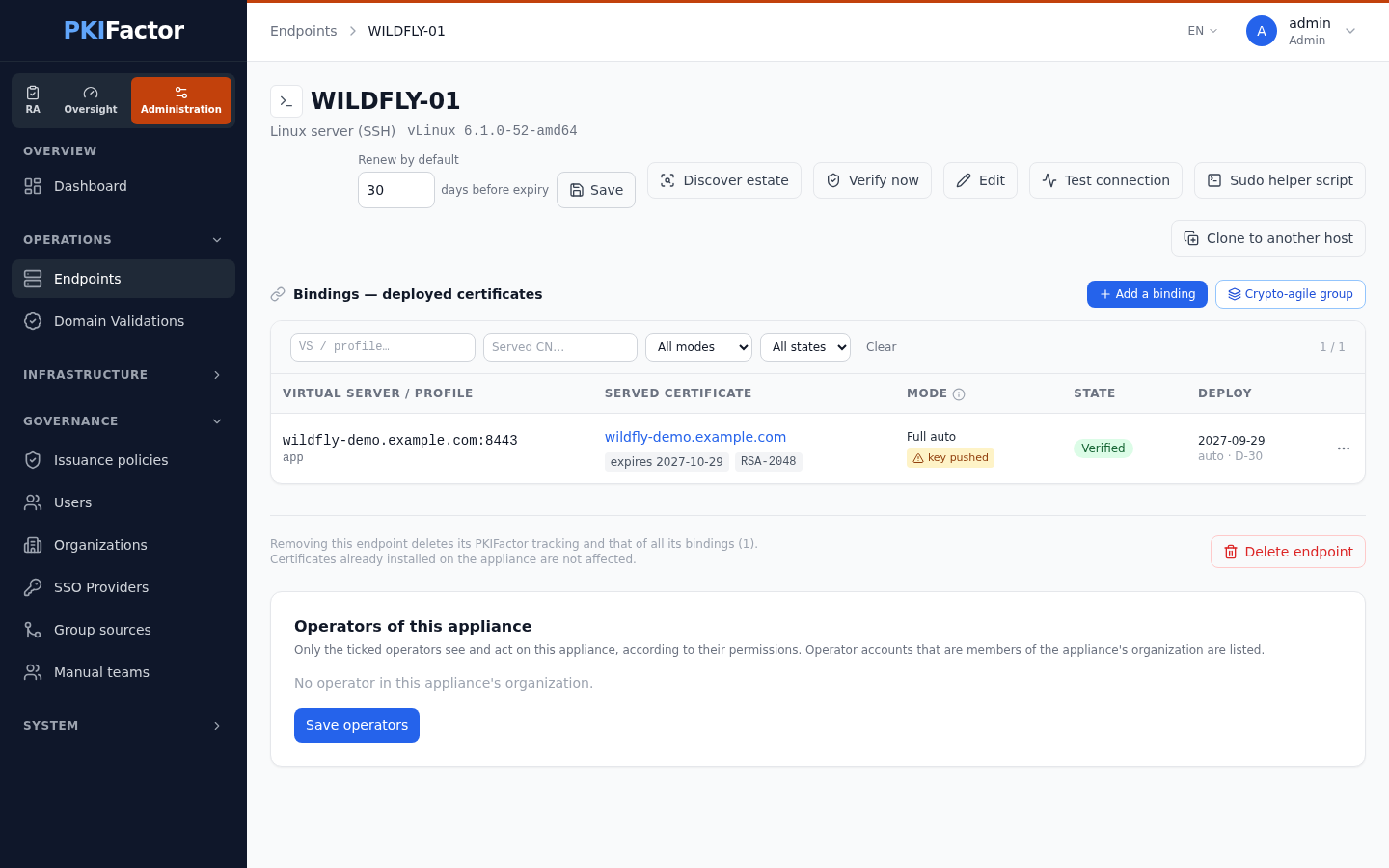
Administration > Operations > Endpoints, Add a target, connector type Linux server (SSH):
- Host (the server's DNS name), Service account
pkifactor, SSH private key, and the elevation mode: Write files and reload through sudo -n for WildFly and Tomcat. - In Sites (placements), choose the Preset, name the site (
app), and for a keystore fill in the Keystore password, the one the server configuration uses. Change the TLS port if the server does not listen on the preset's port. - Save, then Test connection. The first test shows the server's SSH host key fingerprint; compare it with the server (
ssh-keygen -lf /etc/ssh/ssh_host_ed25519_key.pub) and have an administrator approve it. The next test checks the account,sudo -nand each site. - Open Sudo helper script on the target page and install the
sudoerslines it shows (install -o root -g root -m 0440 … /etc/sudoers.d/pkifactor, thenvisudo -c).
Deploy and renew
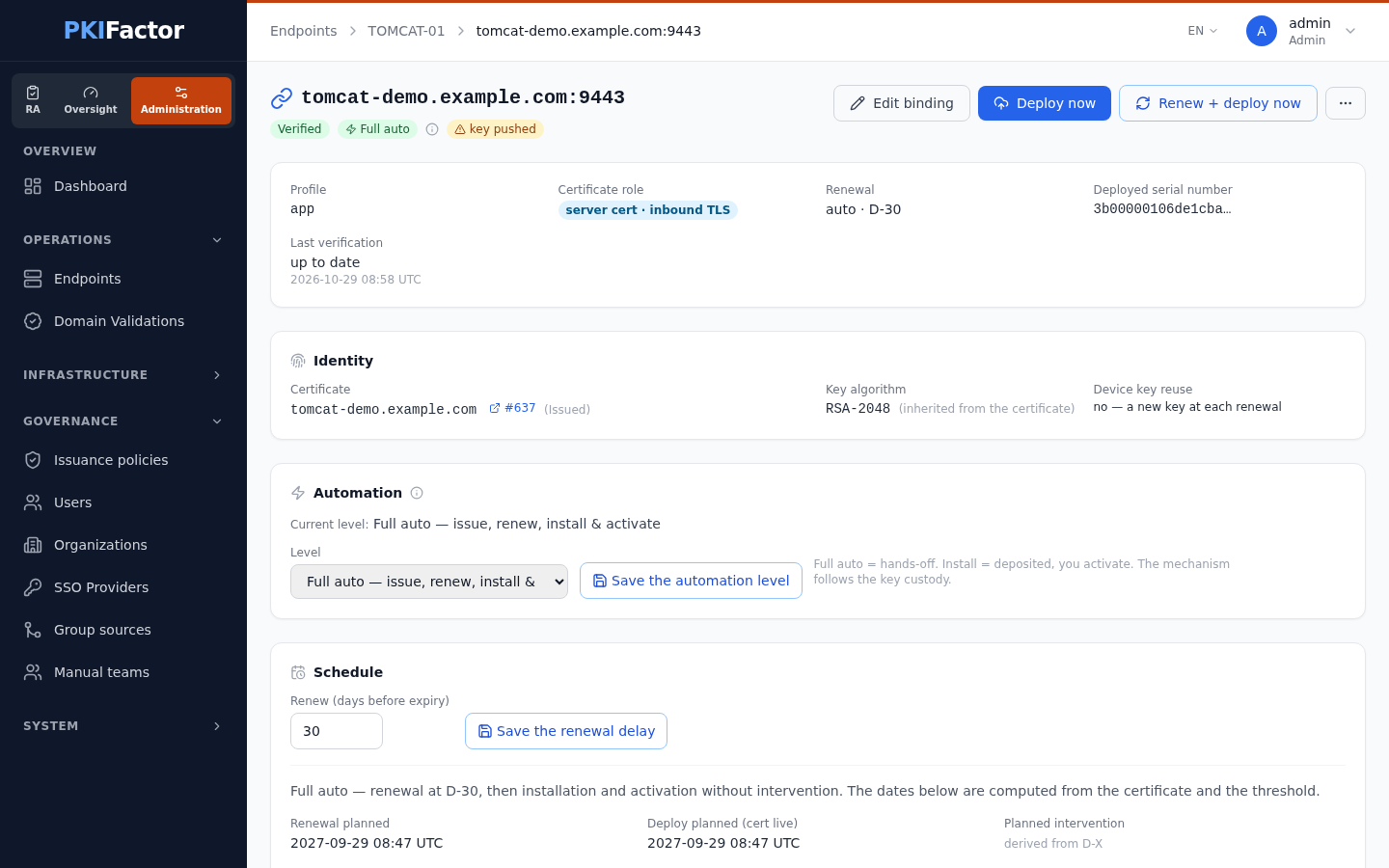
Add a binding: an existing certificate whose key PKIFactor holds, or Issue from a template with the server's name; the Probed TLS endpoint offered by the list (host:port of the site); the Site; key custody Key generated by PKIFactor and pushed; automation Full auto.
PKIFactor then writes the keystore (the previous one is kept next to it with the suffix .pkifactor.bak), restarts the service, and checks that the port serves the new certificate. At renewal (D-X), it does the same with the new certificate; the server is unavailable for the few seconds of its restart, so choose the renewal delay and, if needed, an intervention date accordingly.
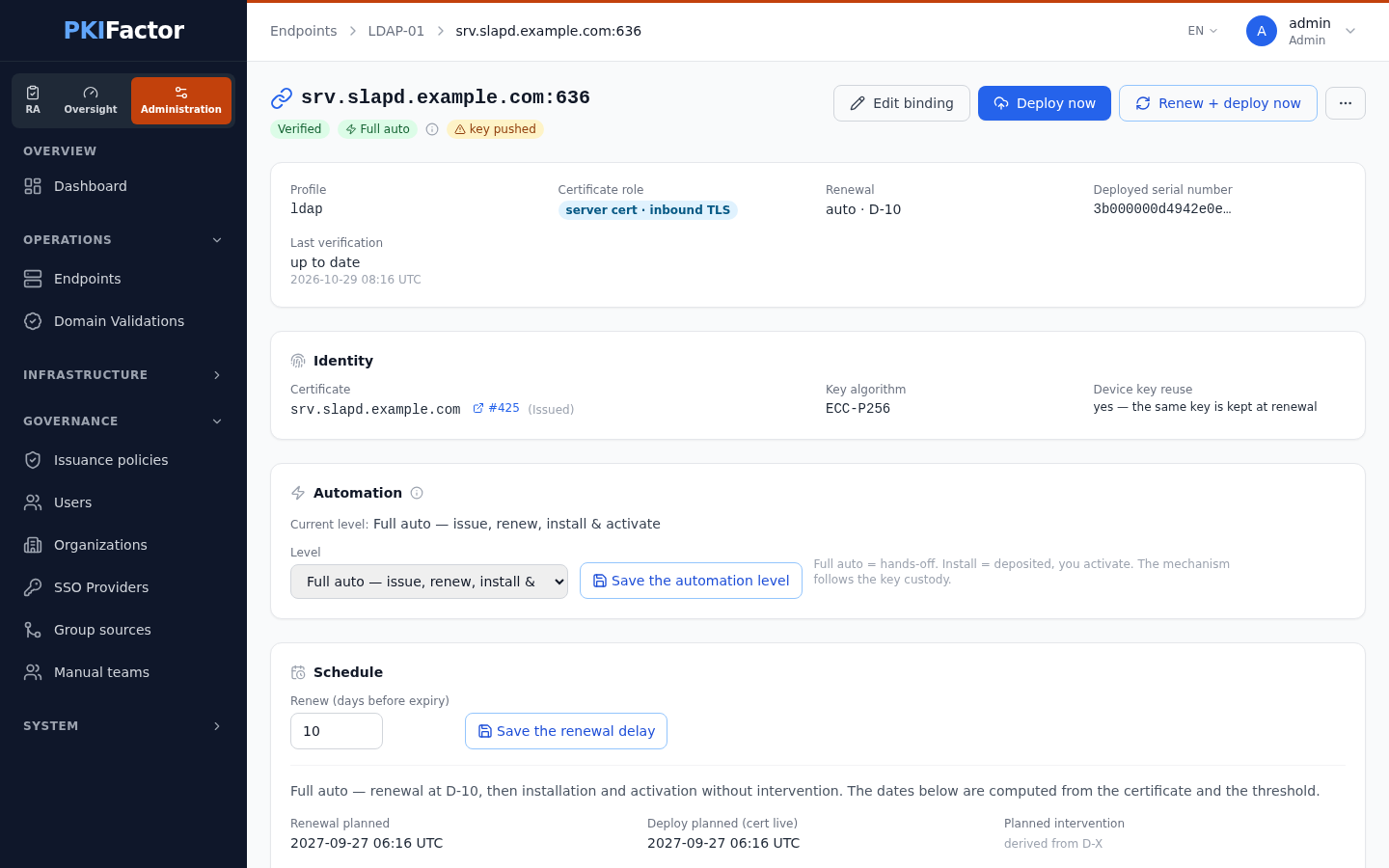
For OpenLDAP, the key can stay the same at renewal (Reuse the device key on renewal), which suits LDAP clients that pin the server's public key.
Check from a client
# WildFly or Tomcat
echo | openssl s_client -connect app.example.com:8443 -servername app.example.com 2>/dev/null | openssl x509 -noout -subject -issuer -enddate
# OpenLDAP
echo | openssl s_client -connect ldap.example.com:636 -servername ldap.example.com 2>/dev/null | openssl x509 -noout -subject -issuer -enddate
ldapsearch -H ldaps://ldap.example.com -x -b "" -s base namingContexts
Verify now on the target page compares the certificate served with the one deployed; the binding shows Verified.
Troubleshooting
| Symptom | Cause and fix |
|---|---|
| format keystore non supporté avec le script d'aide when saving the target | Keystores need the command-list mode: choose Write files and reload through sudo -n |
| site … : format … exige keystore_password | Fill in the Keystore password of the site |
| The port accepts connections but the TLS handshake fails (handshake failure) | The server looks for another alias: set the key manager's alias to the site name (WildFly alias-filter), or remove the filter |
| The port is silent after deployment | The keystore is not readable by the service account: keep the group and the mode of the preset; check the server's log |
| conversion JKS impossible (keytool/JDK requis sur la cible) | Install a Java runtime on the host (keytool) |
| sudo: a password is required at the test | The sudoers lines are missing or do not match the account: install those shown by Sudo helper script |
| The binding shows drift while the right certificate is served | The binding points at another host:port than the site's: choose the probed endpoint from the list |
| Tomcat ignores the connector | It was added inside a commented block of server.xml |